
Game Overview
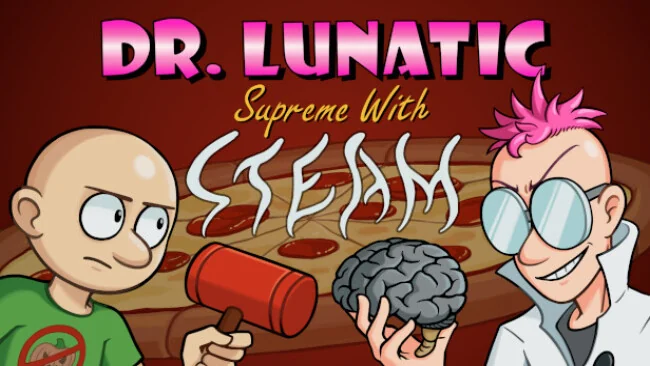
Dr. Lunatic Supreme With Steam is a gleefully overstuffed top-down action-puzzle adventure that treats its enormous level count as a playground rather than a statistic. Originally built around colorful 2D worlds, oddball monsters, and quick arcade-style challenges, it balances cartoon silliness with a surprisingly demanding need for timing, positioning, and problem-solving. The premise is simple: travel through a vast collection of themed worlds, survive each stage’s hazards, and steadily open access to even more content. Its tone is playful and chaotic, but later challenges can become properly tough.
Most levels ask you to guide a character across compact overhead maps packed with enemies, switches, traps, collectibles, and environmental gimmicks. Combat is direct and reactive, with many creatures behaving differently: some attack, some can be scanned for information, and others can help, hinder, or even serve as mounts. Performance earns coins that feed into the SpisMall, where new worlds, characters, abilities, minigames, art, and other extras gradually turn progression into a constant reward cycle. Specialized stages shake up the formula with stealth rules that demand staying unseen and underwater sections where oxygen management matters as much as avoiding danger.
Its greatest strength is sheer handmade variety. More than a thousand built-in levels means the game can move from a simple monster-filled maze to a strange one-off ruleset before any idea wears out, while the enormous roster of worlds gives it the feel of a long-running arcade anthology. The integrated editor is the same robust tool used by the developers, and Workshop support adds a huge library of fan-made worlds for players who somehow exhaust the main selection. Fans of classic top-down action games, Lolo-style puzzle spaces, and the offbeat energy of older shareware PC games will find plenty to love; newcomers should expect dated presentation, but also a remarkable amount of inventive content for the price of admission.
Screenshots
Installation
- Select the Download button at the top of this page to open UploadHaven.
- On UploadHaven, wait for any countdown, then select Free Download. Optional: UploadHaven Pro for faster downloads.
- When complete, extract the archive to a Dr. Lunatic Supreme With Steam folder using 7-Zip.
- Open the extracted folder and start the game normally.
- For errors, check Setup Guide & Troubleshooting below. Keep your security software enabled.
System Requirements
- OS: Windows 10 or Later
- Processor: 2 GHz
- Memory: 128 MB RAM
- Graphics: OpenGL 3.2 Compatible Graphics
- Storage: 250 MB available space
Setup Guide & Troubleshooting
How do I fix missing DLL errors for Dr. Lunatic Supreme With Steam (v9.6)?
After extracting Dr. Lunatic Supreme With Steam (v9.6), navigate to the _Redist or _CommonRedist folder inside the game directory and install DirectX, Vcredist, and any other dependencies included.
What should I do if the downloaded file is corrupted?
The full archive is 141.51 MB — make sure your download completed fully before extracting. Use 7-Zip to extract the files. If you still see a "file corrupted" error, re-download and try again.
Do I need to run the game as administrator?
Usually, no. Start the game normally from the extracted folder. If you see a permissions or save error, check that the folder is writable and follow the game's documented fix. Only grant administrator access when a trusted game's specific setup requires it.
How do I update my GPU drivers for this game?
The game won't launch — what should I try?
Check that extraction completed and your PC meets the system requirements. Note any error message before choosing a fix. If it identifies a missing runtime, install the required DirectX components or Microsoft Visual C++ Redistributable from Microsoft.
My antivirus is blocking the game — is it safe?
A warning needs to be investigated; the download source alone cannot confirm that a file is safe. Keep your security software enabled and review the detection details. Do not run or restore a flagged file unless you have verified that it is a false positive. If you are unsure, leave it quarantined.
