
Game Overview
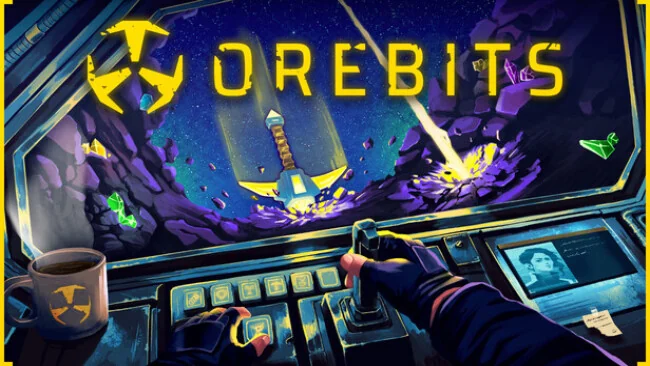
Asteroid mining becomes a fast, tactile loop of ricocheting tools, escalating numbers, and spacefaring discovery in this compact futuristic incremental. You work as an interplanetary extractor, breaking apart floating rocks and hauling their resources back to Earth while chasing deeper, stranger mining sites. The tone is bright and playful rather than hard science-fiction, but there is a satisfying sense of momentum as a modest pickaxe evolves into equipment capable of pulverizing entire asteroid fields. Beneath the approachable presentation sits a steady roguelite push toward uncovering anomalies, rare artifacts, and the secrets hidden across the void.
Each run centers on clearing extraction points by bouncing the Clickaxe through clusters of asteroids, supplementing its impact with lasers and other unlockable mining hardware. Resources pay for stronger gear, hired helpers, and upgrades that increase efficiency, letting you penetrate farther into an expedition before returning home. Bringing materials back to Earth converts your haul into permanent research progress, so failed or short runs still contribute to the next attempt. Missions also ask you to make meaningful choices on a sprawling tech tree, selecting skills and bonuses whose combinations can turn a careful miner into a screen-clearing wrecking machine.
What separates Orebits from a typical idle clicker is its emphasis on aiming, momentum, and build planning rather than simply watching counters rise. Gravitational oddities and site-specific discoveries keep new locations from feeling like interchangeable backdrops, while the roguelite upgrade selection encourages experimentation with different resource and damage synergies. Its hand-crafted indie scale makes it better suited to focused sessions than an endless live-service grind, yet the permanent progression gives every trip a useful payoff. Players who enjoy the build crafting of roguelites alongside the satisfying escalation of games such as Vampire Survivors or Peglin should find plenty to like, and newcomers can ease in through its clear mining premise.
Screenshots
Installation
- Select the Download button at the top of this page to open UploadHaven.
- On UploadHaven, wait for any countdown, then select Free Download. Optional: UploadHaven Pro for faster downloads.
- When complete, extract the archive to a Orebits folder using 7-Zip.
- Open the extracted folder and start the game normally.
- For errors, check Setup Guide & Troubleshooting below. Keep your security software enabled.
System Requirements
- Requires a 64-bit processor and operating system
- OS: Windows 10 (64-bit)
- Processor: 2.0 GHz Dual Core (Intel i3 equivalent)
- Memory: 4 GB RAM
- Graphics: Integrated GPU or entry-level discrete GPU (Intel Iris / Nvidia MX150 / Radeon Vega 8)
- DirectX: Version 11
- Storage: 500 MB available space
- Sound Card: Any basic sound device (integrated or external)
- Additional Notes: Mouse and keyboard required
Setup Guide & Troubleshooting
How do I fix missing DLL errors for Orebits (v1.1)?
After extracting Orebits (v1.1), navigate to the _Redist or _CommonRedist folder inside the game directory and install DirectX, Vcredist, and any other dependencies included.
What should I do if the downloaded file is corrupted?
The full archive is 317.02 MB — make sure your download completed fully before extracting. Use 7-Zip to extract the files. If you still see a "file corrupted" error, re-download and try again.
Do I need to run the game as administrator?
Usually, no. Start the game normally from the extracted folder. If you see a permissions or save error, check that the folder is writable and follow the game's documented fix. Only grant administrator access when a trusted game's specific setup requires it.
How do I update my GPU drivers for this game?
The game won't launch — what should I try?
Check that extraction completed and your PC meets the system requirements, including Version 11. Note any error message before choosing a fix. If it identifies a missing runtime, install the required DirectX components or Microsoft Visual C++ Redistributable from Microsoft.
My antivirus is blocking the game — is it safe?
A warning needs to be investigated; the download source alone cannot confirm that a file is safe. Keep your security software enabled and review the detection details. Do not run or restore a flagged file unless you have verified that it is a false positive. If you are unsure, leave it quarantined.
