
Game Overview
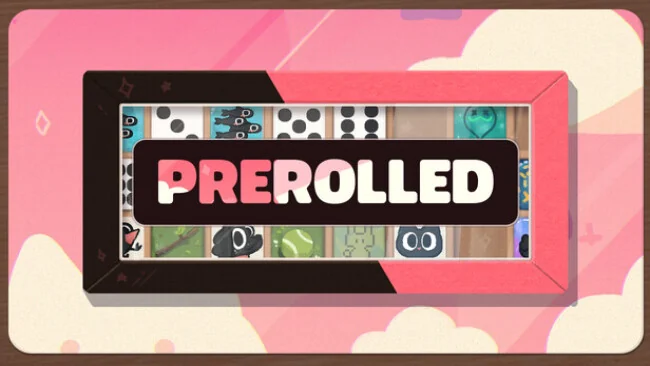
Running a dice shop becomes a riotously crooked puzzle in Prerolled, a roguelike deckbuilder built around customizable dice, eccentric customers, and ever-escalating profiteering. Rather than saving a kingdom or surviving a dungeon, you manipulate chance to satisfy bizarre orders while extracting as much cash as possible from every transaction. The mood is bright, silly, and knowingly mischievous, with the fantasy of becoming a paperwork-savvy hustler instead of a traditional hero. Its comic premise gives each run a welcome sense of irreverence, even when the numbers start demanding serious planning.
Runs revolve around assembling dice faces and upgrades that generate the exact rolls, values, and effects clients demand. You acquire more than 130 face types, alter dice permanently with stickers, and bend the expected limits of each die—turning a modest six-sider into something capable of wildly unlikely results. Shop upgrades layer further multipliers and conditional bonuses onto your setup, encouraging players to test ridiculous synergies instead of merely chasing high rolls. Earnings keep the rent paid and fuel the next round of purchases, while puzzle boxes, passing characters, and increasingly demanding scenarios interrupt the routine with decisions and side objectives.
Prerolled stands out because it treats dice not as passive randomizers but as customizable components in a rapidly breaking economic machine. New dice, upgrades, boxes, and extra systems unlock over time, while optional challenge modes provide a tougher proving ground for players who have learned how to exploit its rules. Fans of Balatro’s escalating combo logic or Dicey Dungeons’ playful dice manipulation should feel at home, though the shop-management satire gives it a personality of its own. It suits newcomers willing to learn through experimentation, and roguelike veterans who enjoy finding a loophole so powerful that the whole run collapses into glorious nonsense.
Screenshots
Installation
- Select the Download button at the top of this page to open UploadHaven.
- On UploadHaven, wait for any countdown, then select Free Download. Optional: UploadHaven Pro for faster downloads.
- When complete, extract the archive to a Prerolled folder using 7-Zip.
- Open the extracted folder and start the game normally.
- For errors, check Setup Guide & Troubleshooting below. Keep your security software enabled.
System Requirements
- OS: Windows 10+
- Processor: x86_32 CPU with SSE2 support, x86_64 CPU with SSE4.2 support, ARMv8 CPU
- Memory: 4 GB RAM
- Graphics: Integrated graphics with full OpenGL 3.3 support or Direct3D 11 support (Windows).
- Storage: 300 MB available space
Setup Guide & Troubleshooting
How do I fix missing DLL errors for Prerolled (v1.1.1)?
After extracting Prerolled (v1.1.1), navigate to the _Redist or _CommonRedist folder inside the game directory and install DirectX, Vcredist, and any other dependencies included.
What should I do if the downloaded file is corrupted?
The full archive is 124.41 MB — make sure your download completed fully before extracting. Use 7-Zip to extract the files. If you still see a "file corrupted" error, re-download and try again.
Do I need to run the game as administrator?
Usually, no. Start the game normally from the extracted folder. If you see a permissions or save error, check that the folder is writable and follow the game's documented fix. Only grant administrator access when a trusted game's specific setup requires it.
How do I update my GPU drivers for this game?
The game won't launch — what should I try?
Check that extraction completed and your PC meets the system requirements. Note any error message before choosing a fix. If it identifies a missing runtime, install the required DirectX components or Microsoft Visual C++ Redistributable from Microsoft.
My antivirus is blocking the game — is it safe?
A warning needs to be investigated; the download source alone cannot confirm that a file is safe. Keep your security software enabled and review the detection details. Do not run or restore a flagged file unless you have verified that it is a false positive. If you are unsure, leave it quarantined.
